Tuya WiFi Wireless Smart Doorbell Camera Video, 5-inch screen, 10000mAh battery, PIR motion alarm, Alexa compatible
Tuya WiFi Wireless Smart Doorbell Camera Video, 5-inch screen, 10000mAh battery, PIR motion alarm, Alexa compatible - Details and Specifications
Specifications
| Power | Dry battery |
|---|---|
| Origin | China |
| Display | Color |
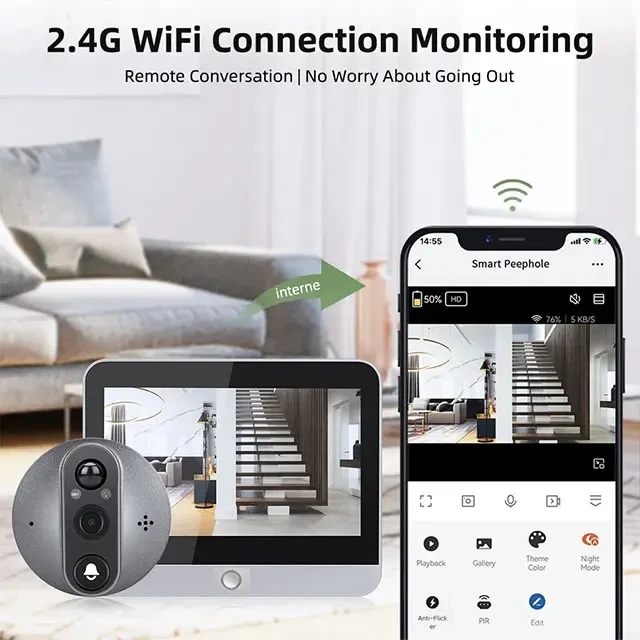
| Linking Method | Wifi |
| Itercom | Yes |
| Alarm | Yes |
| Certification | CE, FCC, RoHS |
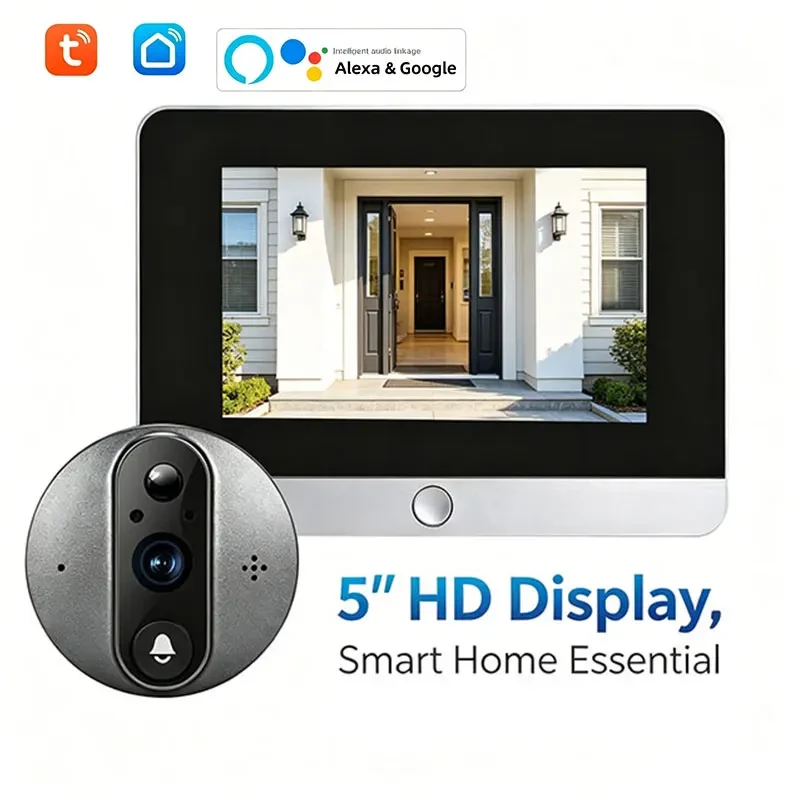
| Smart Home Platform | Tuya |
|---|---|
| APP1 | Tuya |
| APP2 | Smart Life |
| Package Length | 23 |
| Package Width | 15 |
| Package Height | 11 |
| Gross Weight | 0.820 |
| Features |
|
|---|
Features
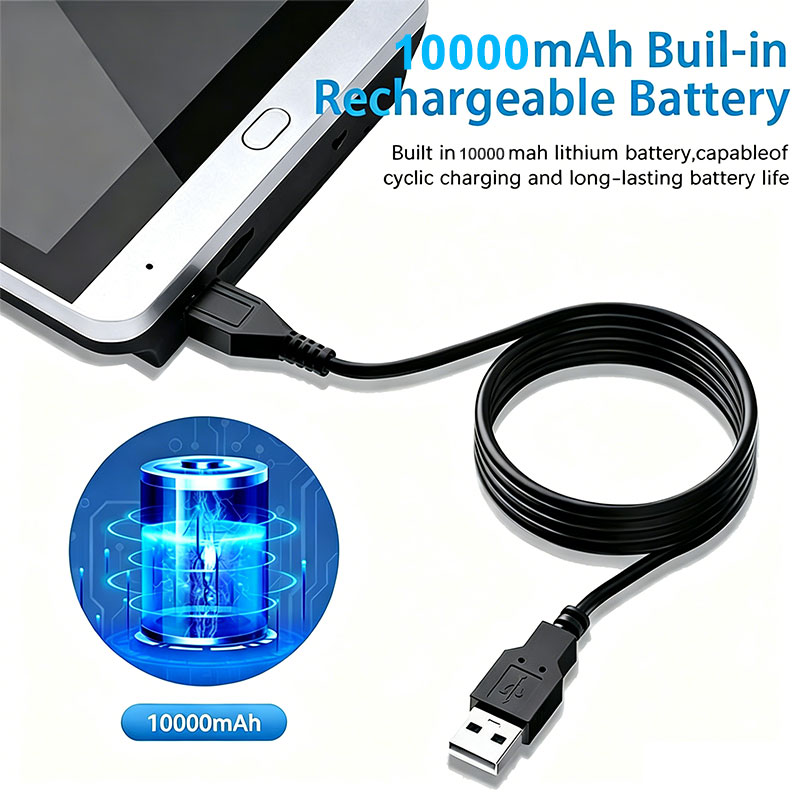
- 90-DAY ULTRA-LONG BATTERY LIFE: Equipped with a massive built-in 10,000mAh battery, this smart doorbell delivers exceptional endurance. Based on 20 triggers per day with a 15-second recording duration, it can operate for up to 90 days on a single charge, eliminating the hassle of frequent recharging and keeping your home secure around the clock.
- PRIVACY-FIRST MUTE RECORDING: Designed with neighborhood harmony in mind, our unique Mute Recording mode captures crystal-clear video without capturing audio. This thoughtful feature prevents the recording of private conversations, ensuring you protect your home while completely respecting your neighbors' privacy and avoiding potential disputes.
- WORKS OFFLINE (NO WI-FI NEEDED): Enjoy ultimate flexibility with our Model 5 Inch, which requires absolutely zero network setup to function. It records locally and works perfectly even without an internet connection, making it the ideal security solution for apartments, rural homes, or areas with unstable Wi-Fi. (Note: Model 4.3 Inch requires initial network setup).
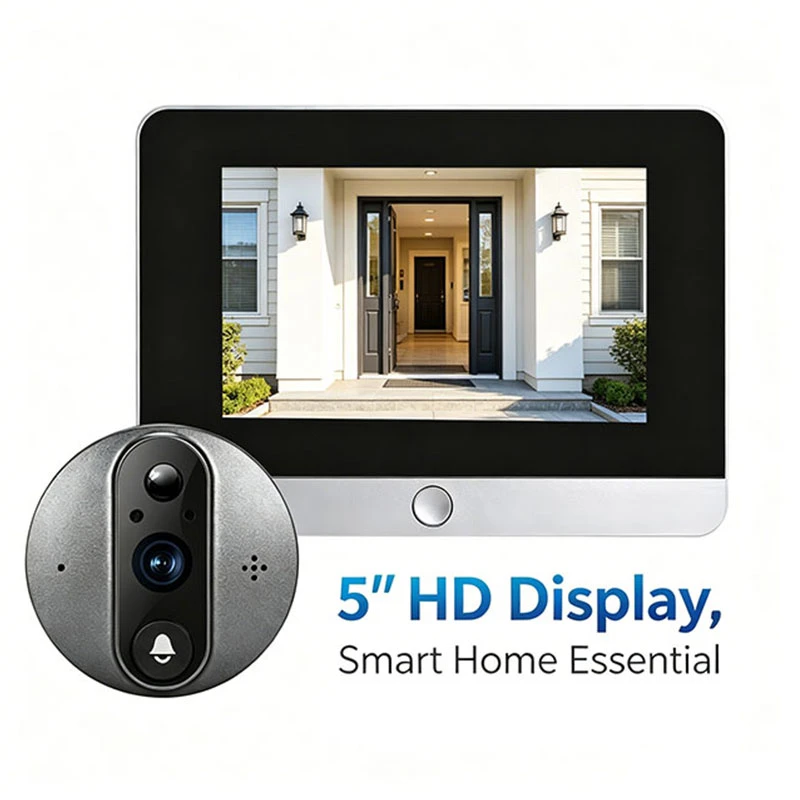
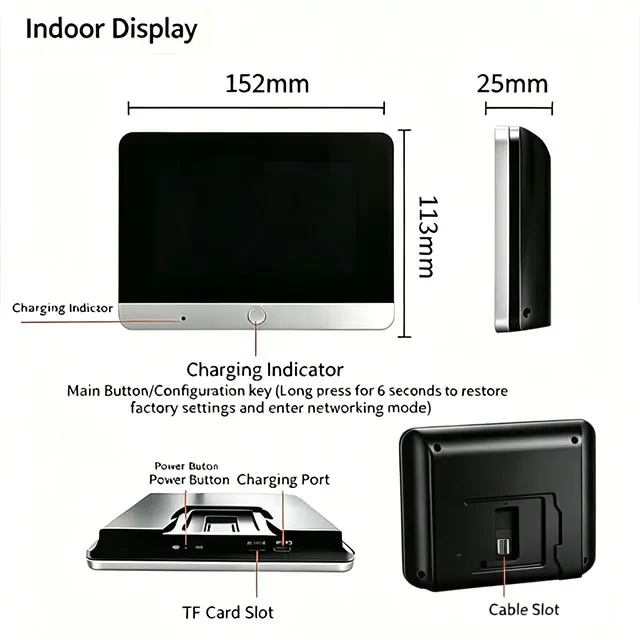
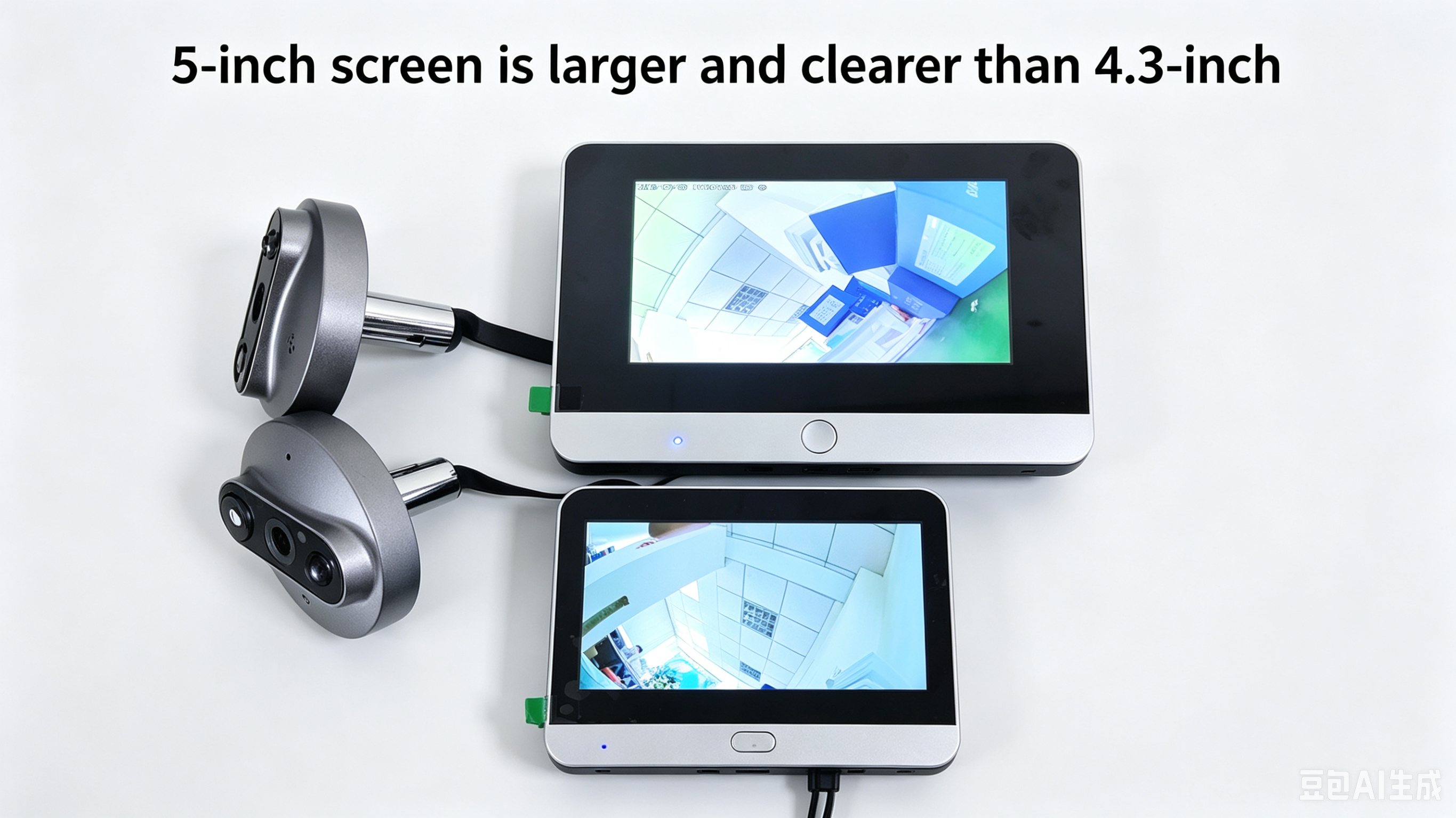
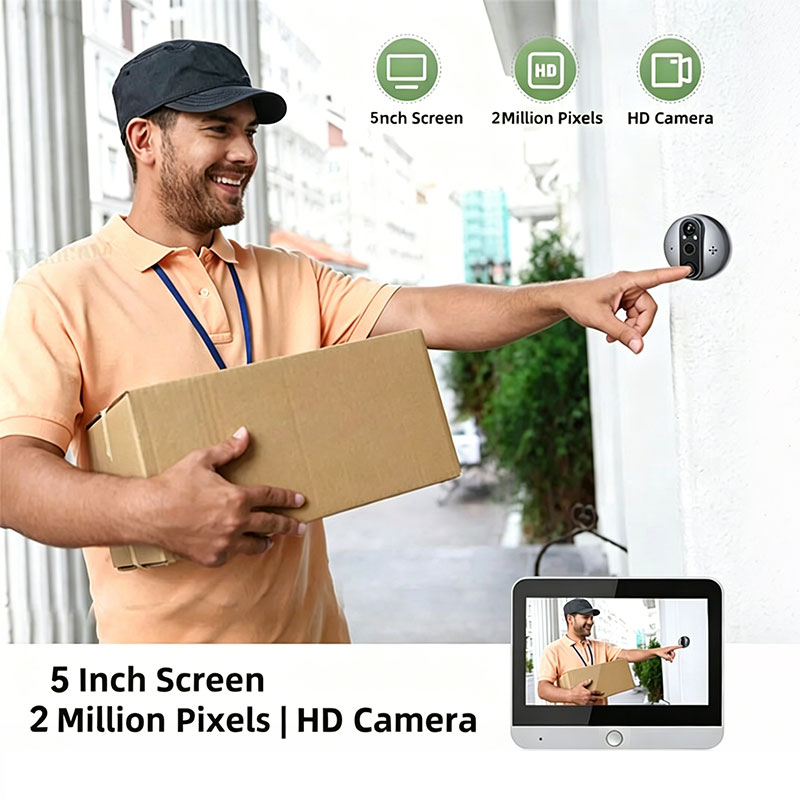
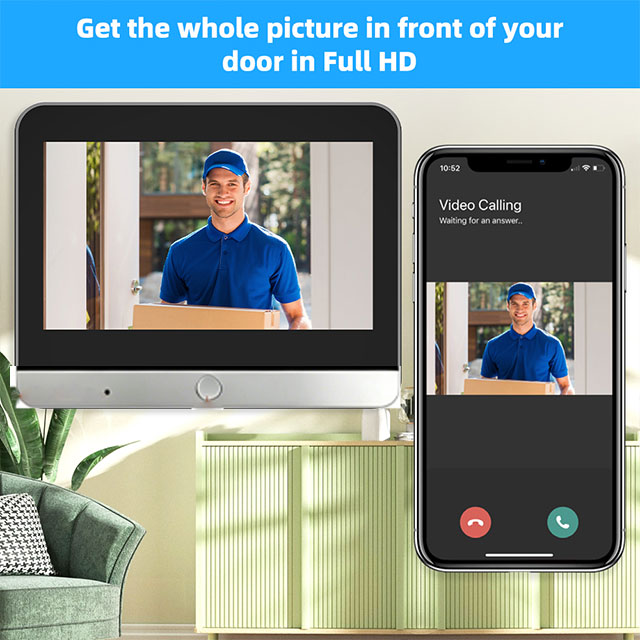
- 5" 1080P HD IPS DISPLAY: Instantly identify who is at your door with a vibrant 5-inch IPS screen featuring full 1080P resolution. The large, high-definition display provides a wide field of view, ensuring you never miss a detail and can safely verify visitors without needing to open the door or check your phone.
- SMART SCREEN & CUSTOMIZABLE RECORDING: Maximize battery efficiency with an auto-wake screen that activates instantly upon a doorbell press or motion detection (motion wake-up is customizable via the app). Additionally, you can tailor your security needs by setting event recording durations to 15s, 30s, or 60s, or opt for continuous 24/7 recording when connected to a power source.
5 inch PK 4.3 inch

App and Compatibility
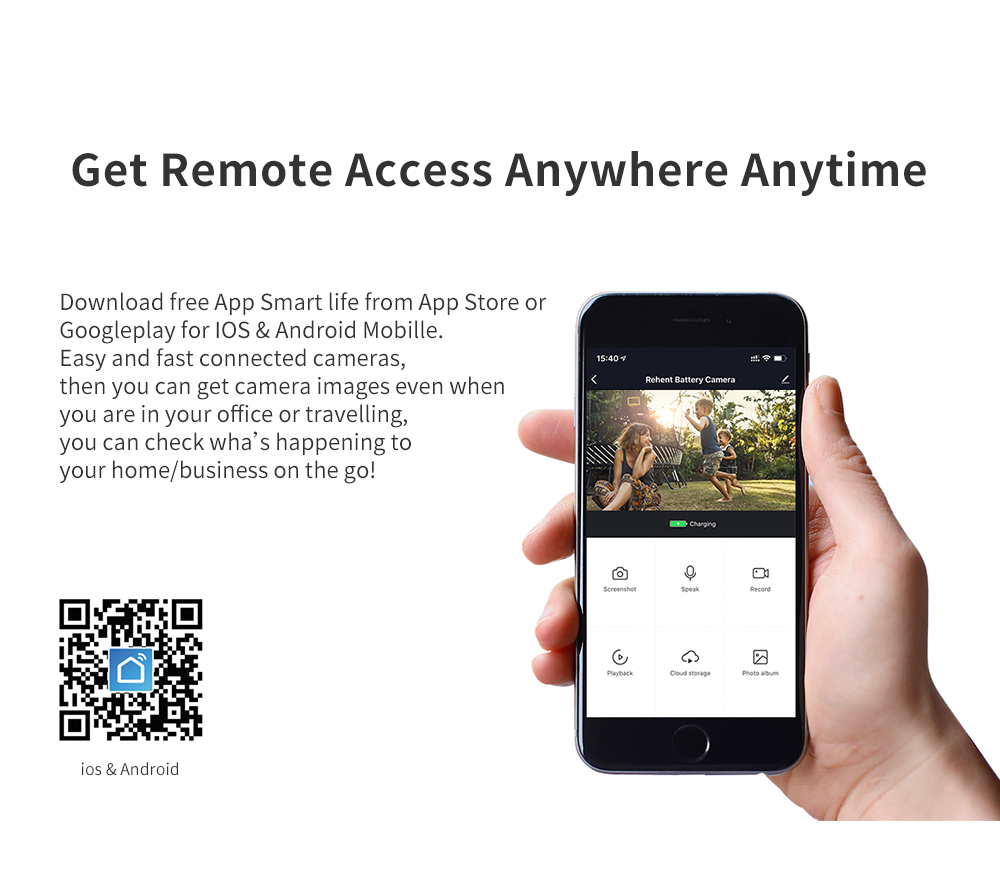
1. Tuya app items also support Smart Life app.
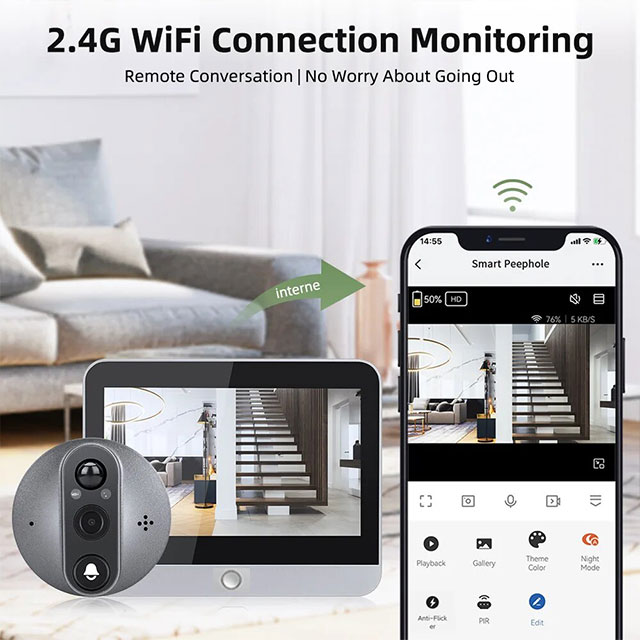
2. The doorbell must work with 2.4G Wi-Fi of a router, and cannot work with 5G Wi-Fi. If your router has both 2.4G and 5G, please close the 5G first, then connect it to the app. After success, you can open the 5G Wi-Fi for normal use, thanks!
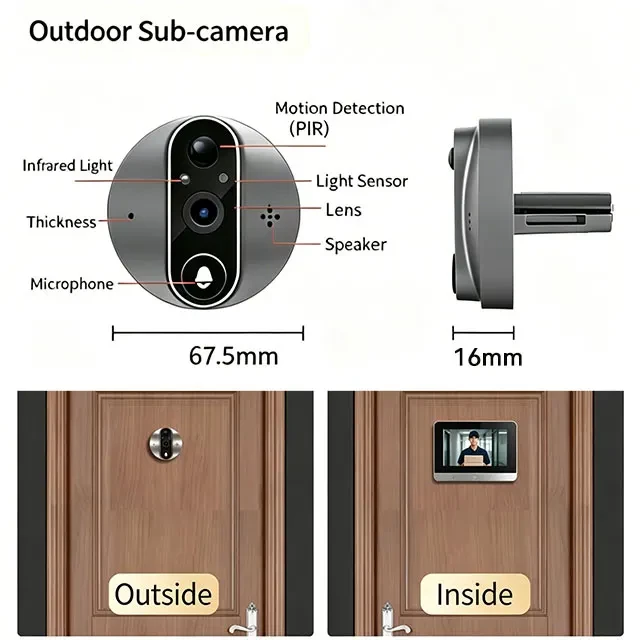
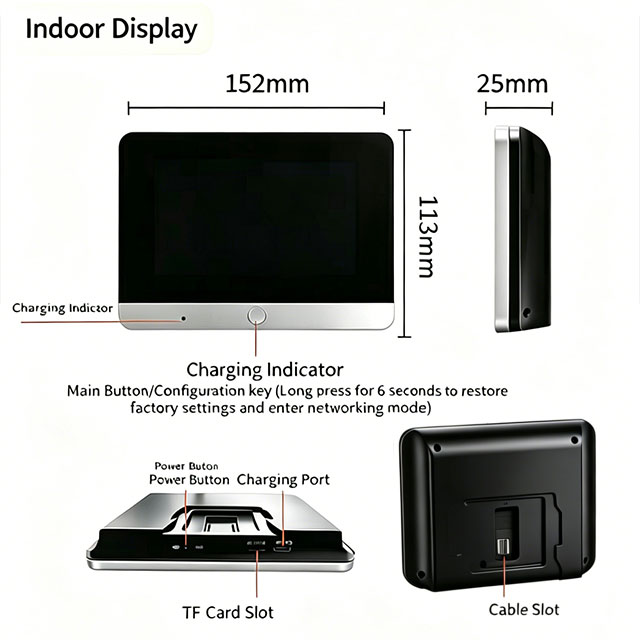
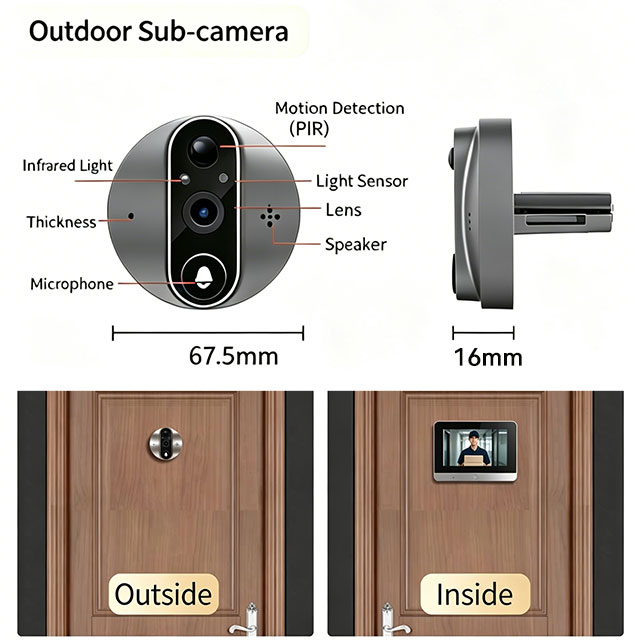
3. The doorbell is suitable for: 40-120mm thickness of door, peephole is 16-50mm, and the cable installation length is 11cm.
Not suitable for: double doors, doors with small windows or steel mesh, soft-packed doors, doors without peepholes (need to drill a peephole by yourself).
Packing List
- 1x HD Screen (indoor)
- 1x Peephole camera (outdoor)
- 1x Micro USB Cable
- 1x Mounting Plate
- 1x Screw Kit
- 1x User Manual
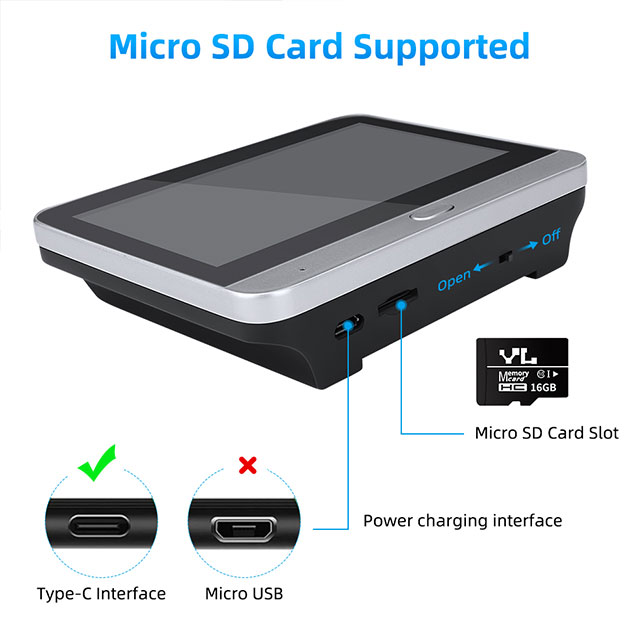
Notice: TF card is optional!
RFQ
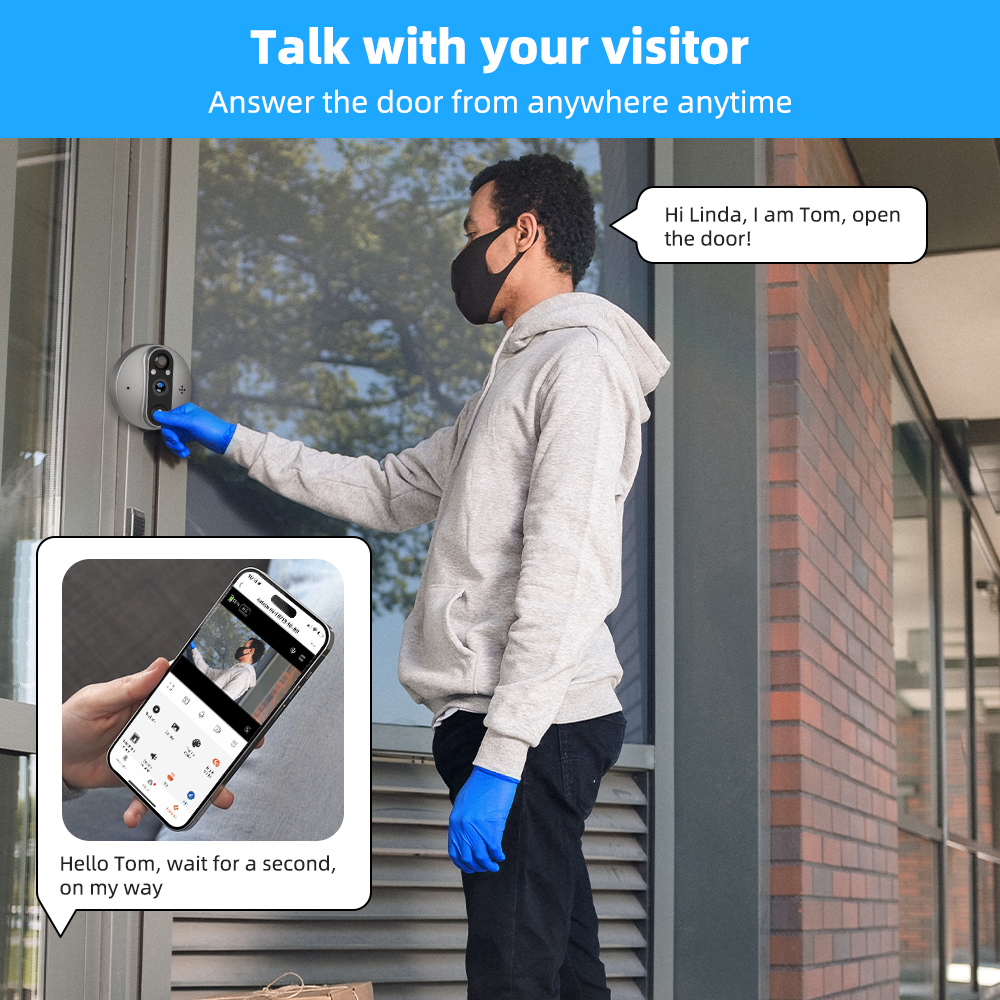
Q1. Can I talk with visitors on app?
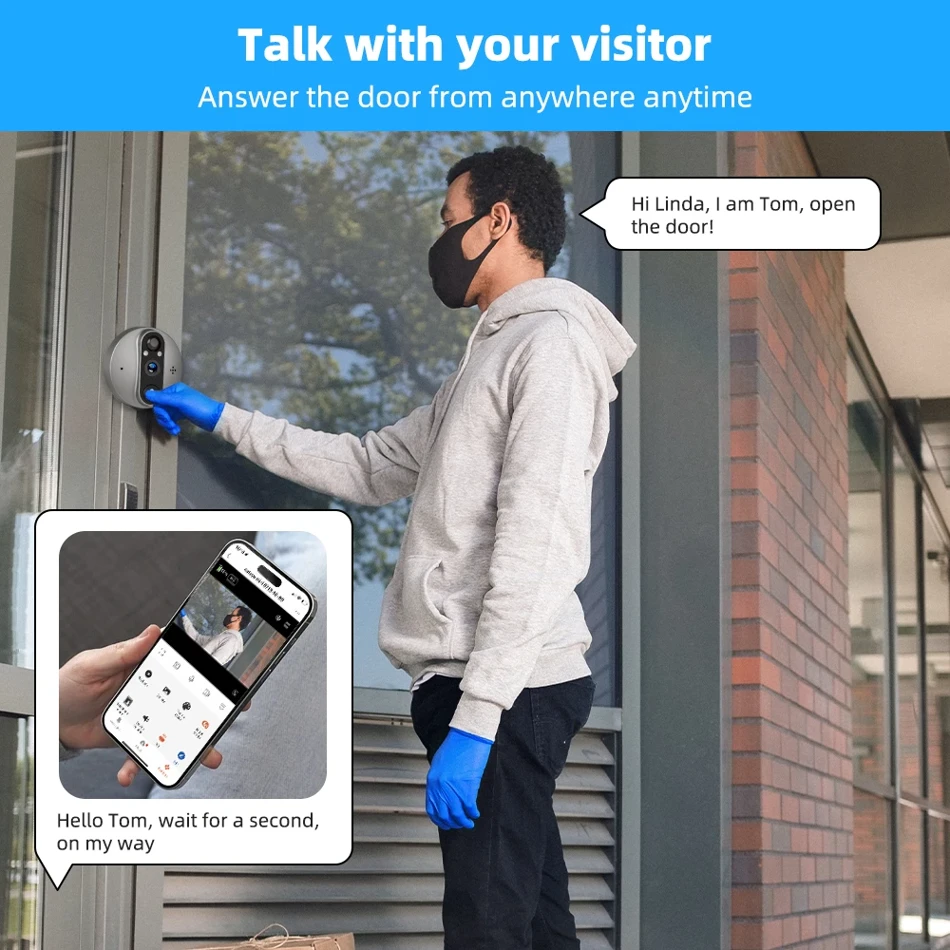
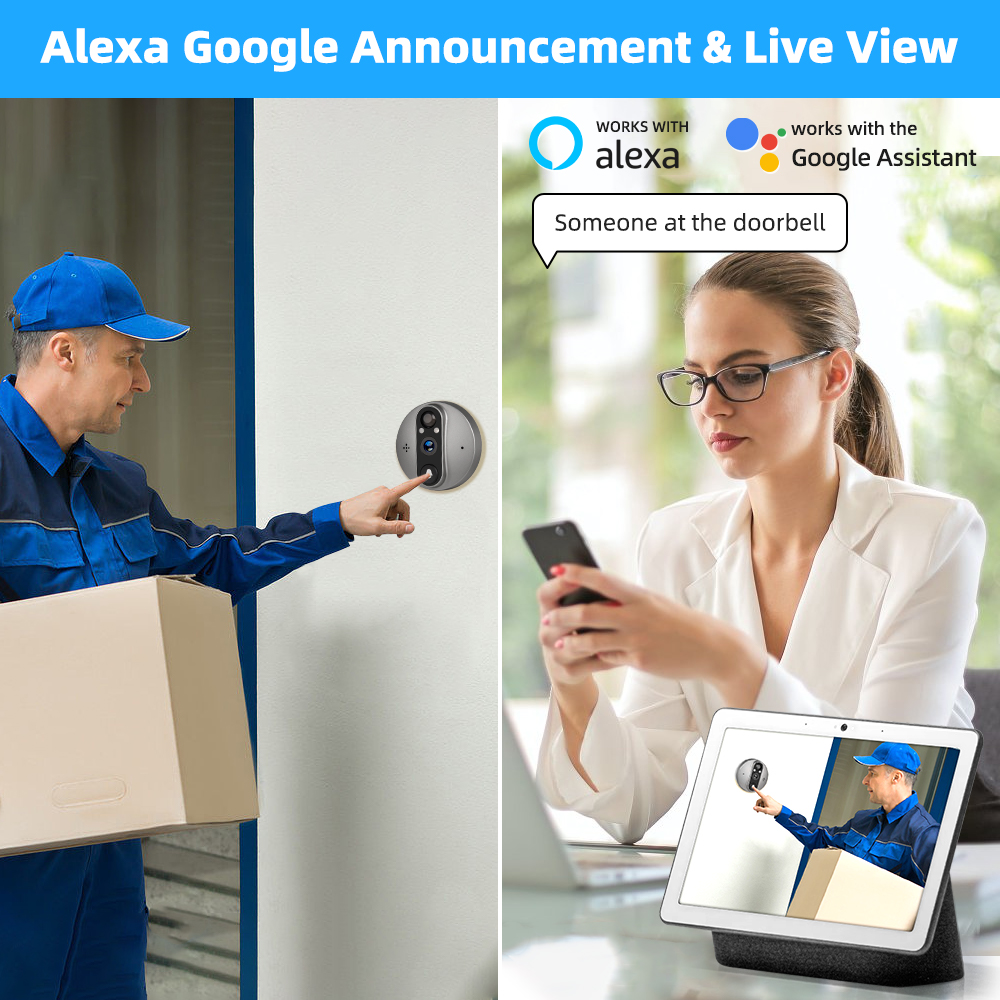
A1: Yes, supports two-way audio.
Q2. How to connect to Wi-Fi?
A2:
1. Turn off the device first, then connect the camera to the display screen. After connecting, the device can be turned on to display images.
(Note: Charge device to full power first; the installation direction of the camera cable should be correct; do not fold or pull the camera cable. If the cable is damaged, it cannot transmit images, please change the cable.)
2. Open app - Register Login - Add Device - camera & lock - smart doorbell.
3. Turn on the device and press and hold the screen button for more than 5 seconds until you hear the voice prompt for network configuration from the device.
4. Select "next" on the app, enter your Wi-Fi password, then generate a network QR code, scan the code by the camera for pairing, and receive a device voice prompt indicating successful network configuration.
(Note: The device connected to Wi-Fi is the same one as your phone Wi-Fi; the device does not support 5G Wi-Fi, and the dual-band integration function of the router needs to be turned off. Please select 2.4G Wi-Fi.)
Attention: If the network configuration fails, please confirm whether the Wi-Fi password is correct and whether the router has turned off the dual-frequency integration function. Then follow the configuration steps to try again.
If multiple attempts are unsuccessful, please contact us on IzzLifeShop chat for connection video and assistance, we will try to reply you soon in 24 hours, thanks!
Q3. What battery is used in the doorbell? How long is the standby time?
A3: Built-in lithium 10000mAh battery and easy charge by USB 5V 1A.
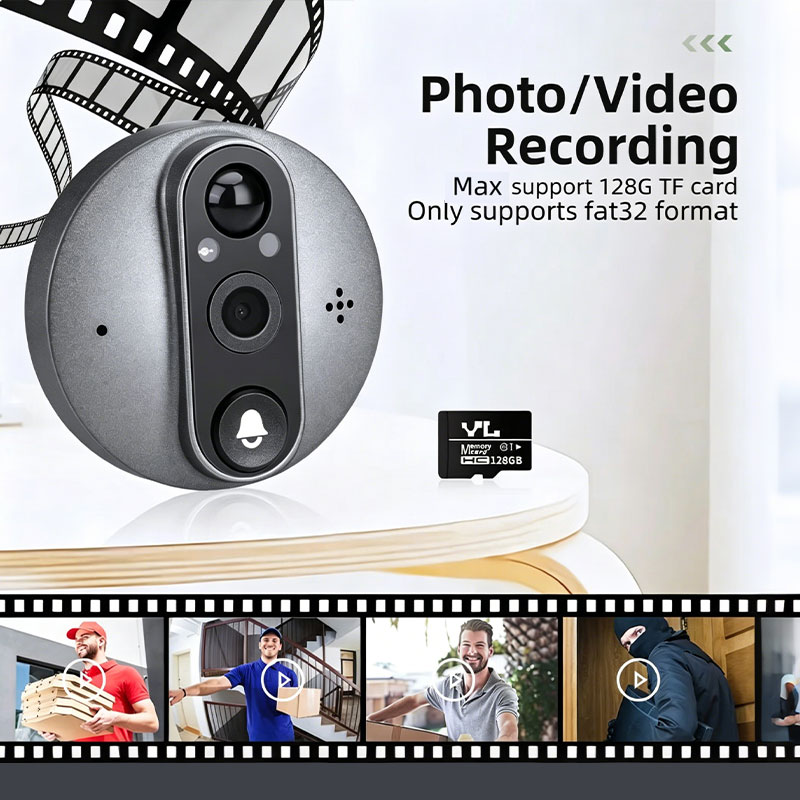
Q4. I bought a TF card with the doorbell, but I did not find the TF card?
A4: TF card is inserted in the device, please kindly check and find it.
Q5. How many video recordings can a 32GB TF card hold?
A5: For 15-second video recordings, it is about 14,300 records, which can be used for 715 days according to 20 records per day. Automatic overwrite when TF card is full, or format the card in the app.
Q6. What is the viewing angle of the digital viewer? Supports Night Vision?
A6:
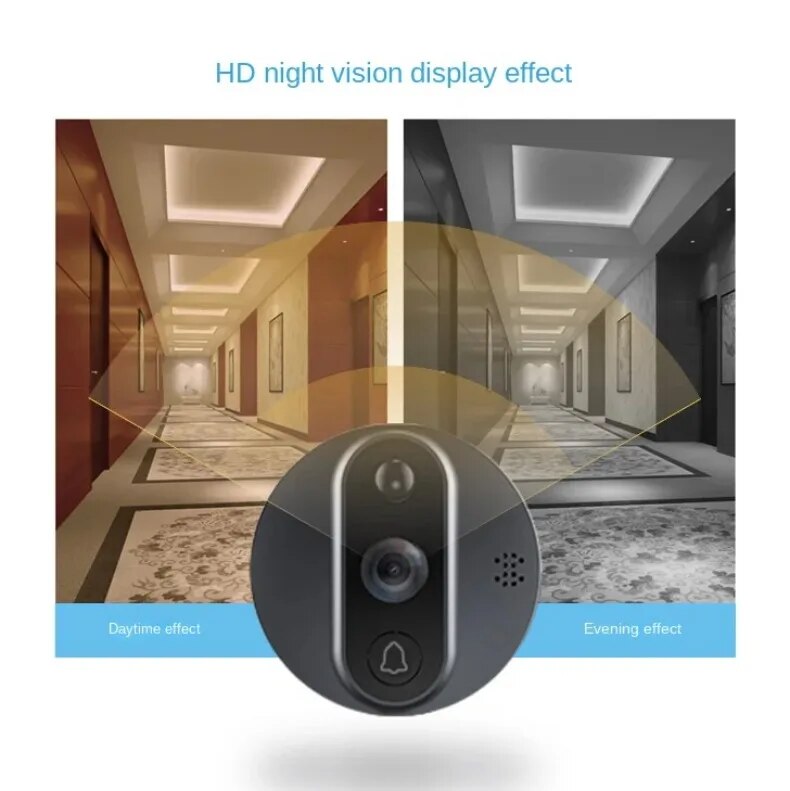
- Support 120° wide viewing angle
- Support clear night vision with distance 5-8 meters
Q7. How to record image and video?
A7: Support free image cloud storage for a few days, but video cloud storage requires a fee. You can use TF cards to store videos instead (please choose "add 32GB card" SKU to order).
Q8. How to adjust Doorbell Volume?
A8: You can adjust the press doorbell sound to 1% on the app, no more worry about disturbing others!
Q9. Why no alarm?
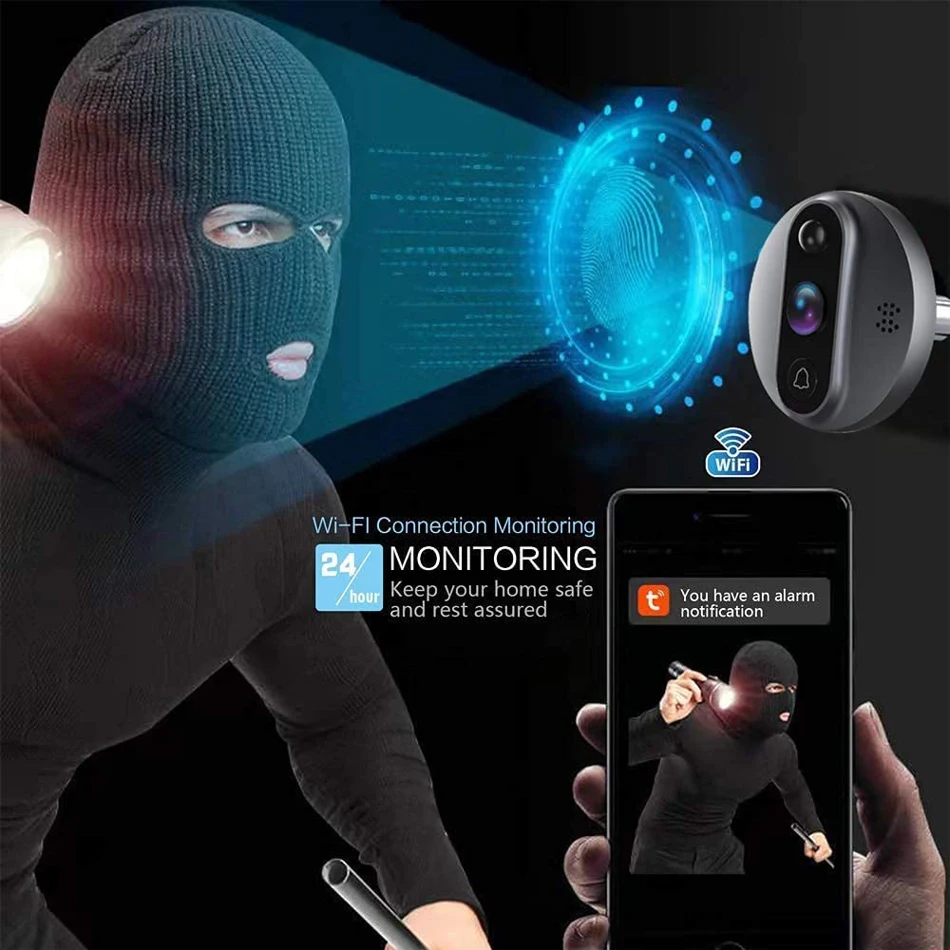
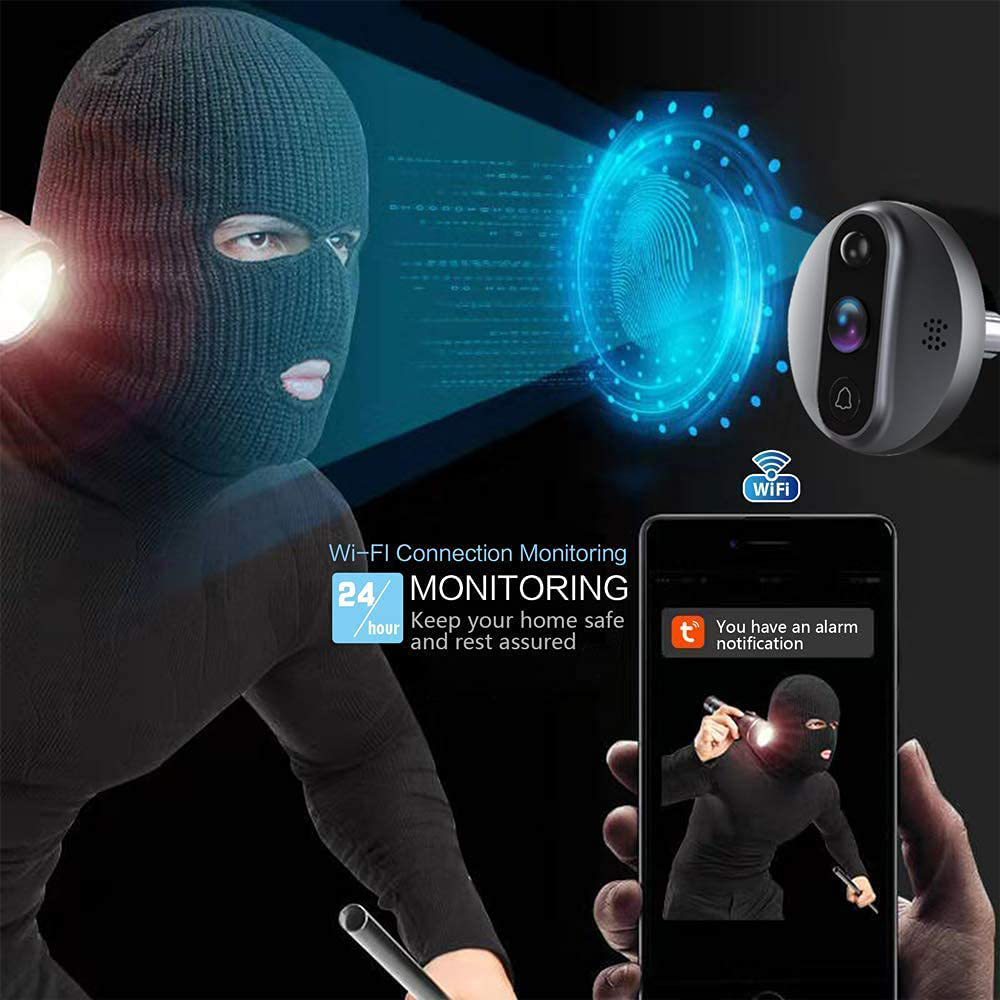
A9: Only support stay alarms. It means people staying at the door within 2 meters for above 3 seconds, the door camera will capture images or save videos and push alarms; below 3 seconds or above 2 meters, it will not take pictures or video and alarm.
And there are 3 sensitivity options on app settings:
High sensitivity response time: 3-5 seconds
Medium sensitivity response time: 5-8 seconds
Low sensitivity response time: 8-15 seconds
Related Products



🆕 Check Out Our Newest Arrivals – Fresh & Trending!
🛍️ Exclusive & Exquisite – Shop High-End Picks
Trending Categories