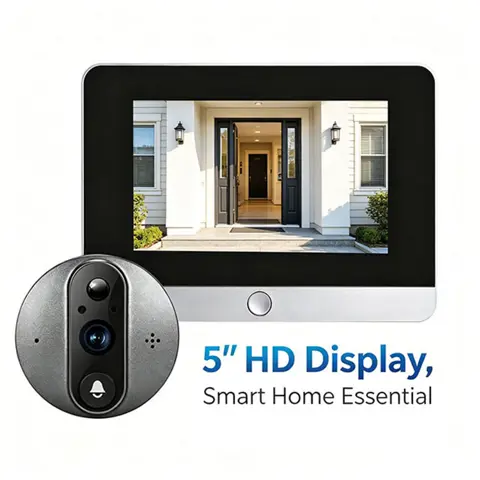
Yuezhe ICam365 Smart Peephole Doorbell Camera Video Intercom Digital Door Viewer 3MP 5000mAh Night Vision 2.4G WiFi
Yuezhe ICam365 Smart Peephole Doorbell Camera Video Intercom Digital Door Viewer 3MP 5000mAh Night Vision 2.4G WiFi - Details and Specifications
Specifications
| Power | Dry battery |
|---|---|
| Origin | China |
| Communication Interface | WireLess |
| Display | Color |
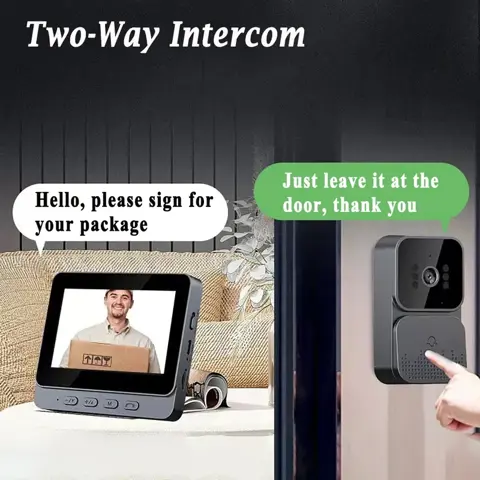
| Itercom | Yes |
| Alarm | Yes |
| Certification | CE, FCC, RoHS |
|---|---|
| Smart Home Platform | Other |
| Package Length | 20 |
| Package Width | 14 |
| Package Height | 11 |
| Gross Weight | 0.713 |
| Features |
|
|---|
Yuezhe 3MP 2.4G WiFi Doorbell ICam365 APP 5000mAh Door Eye Night Vision Door Smart Peephole Camera Video Intercom Digital View

1: 3MP = 2304 × 1296 Pixels
2: The doorbell must work with a 2.4G WiFi router and cannot work with 5G WiFi. If your router has both 2.4G and 5G, please disable the 5G first, then connect it to the app. After a successful connection, you can re-enable the 5G WiFi for normal use.
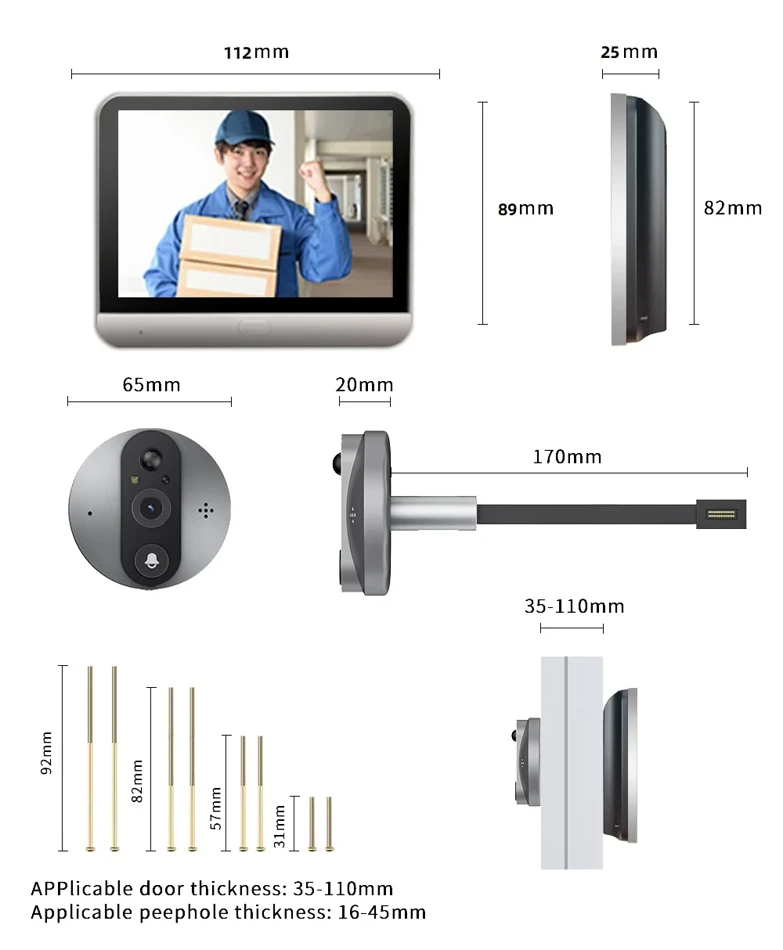
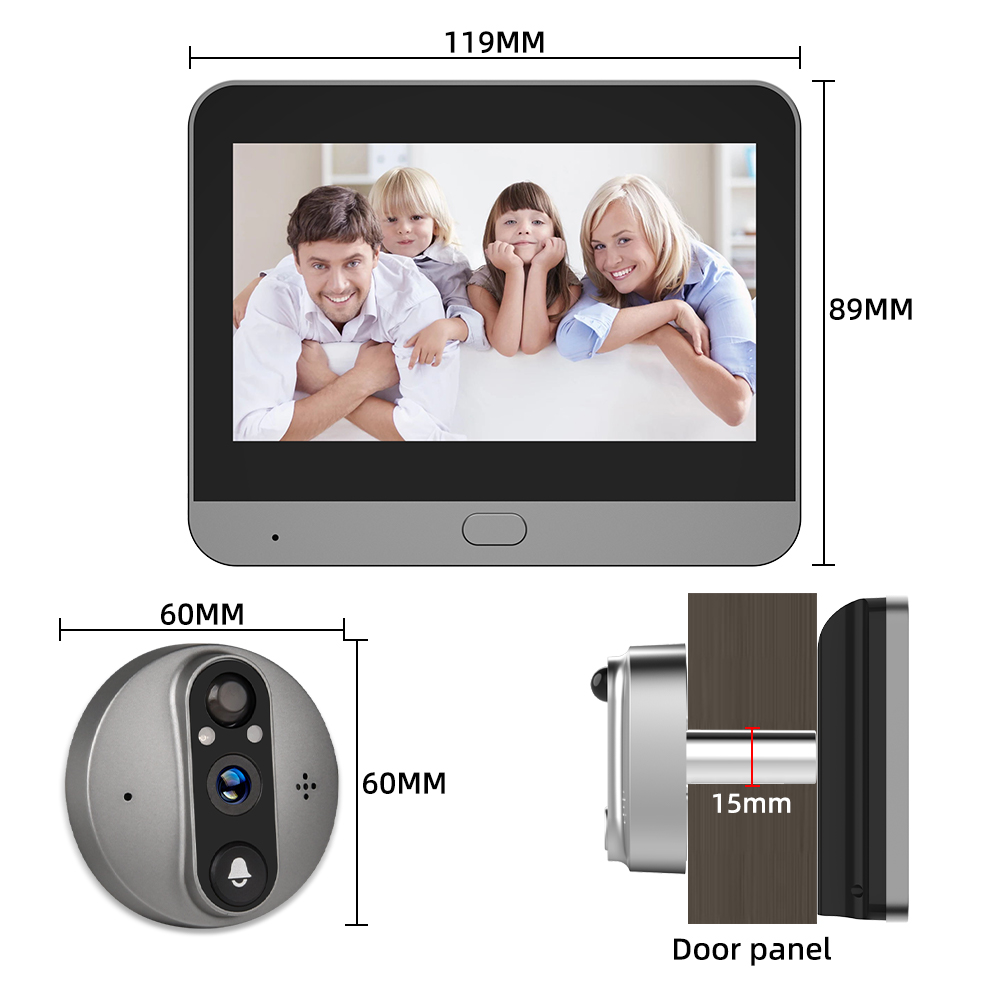
3: The doorbell is suitable for door thicknesses of 40-120mm, peephole diameters of 16-50mm, and a cable installation length of 11cm. It is not suitable for double doors, doors with small windows or steel mesh, soft-packed doors, or doors without peepholes (where you would need to drill a peephole yourself).

FAQ
Q1. What is the doorbell app?
A1: The app is iCam365. Other apps are not supported.
Q2. What battery is used in the doorbell? How long is the standby time?
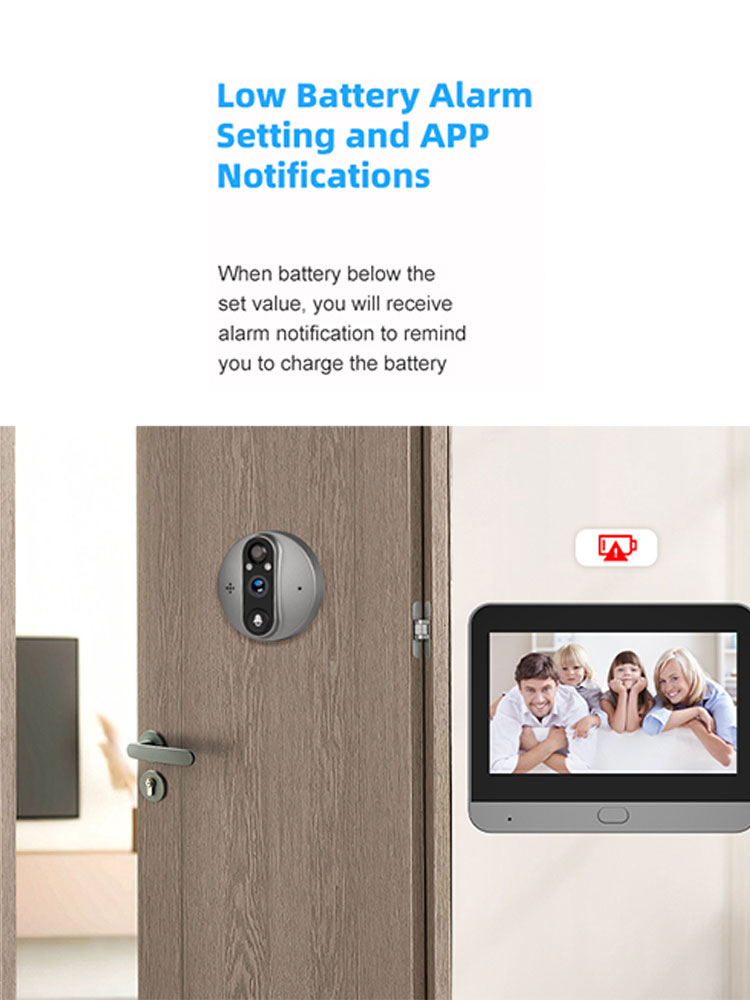
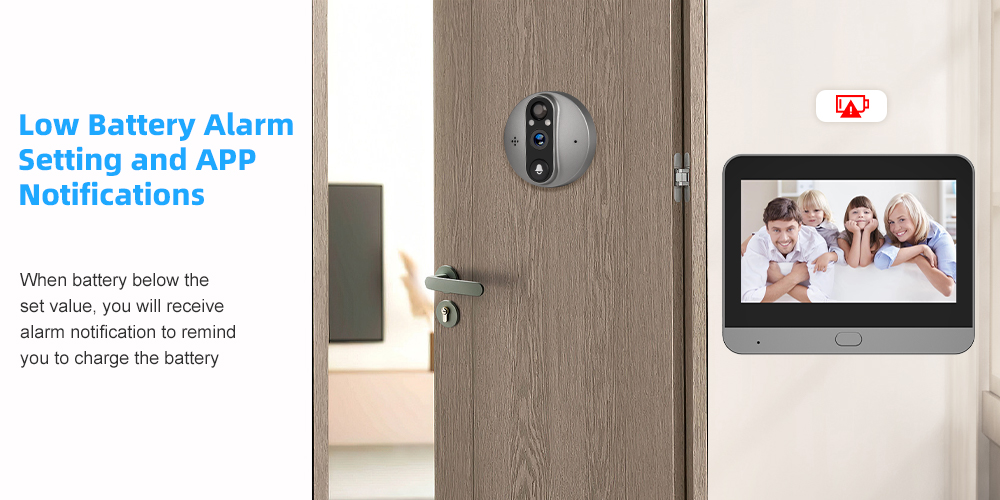
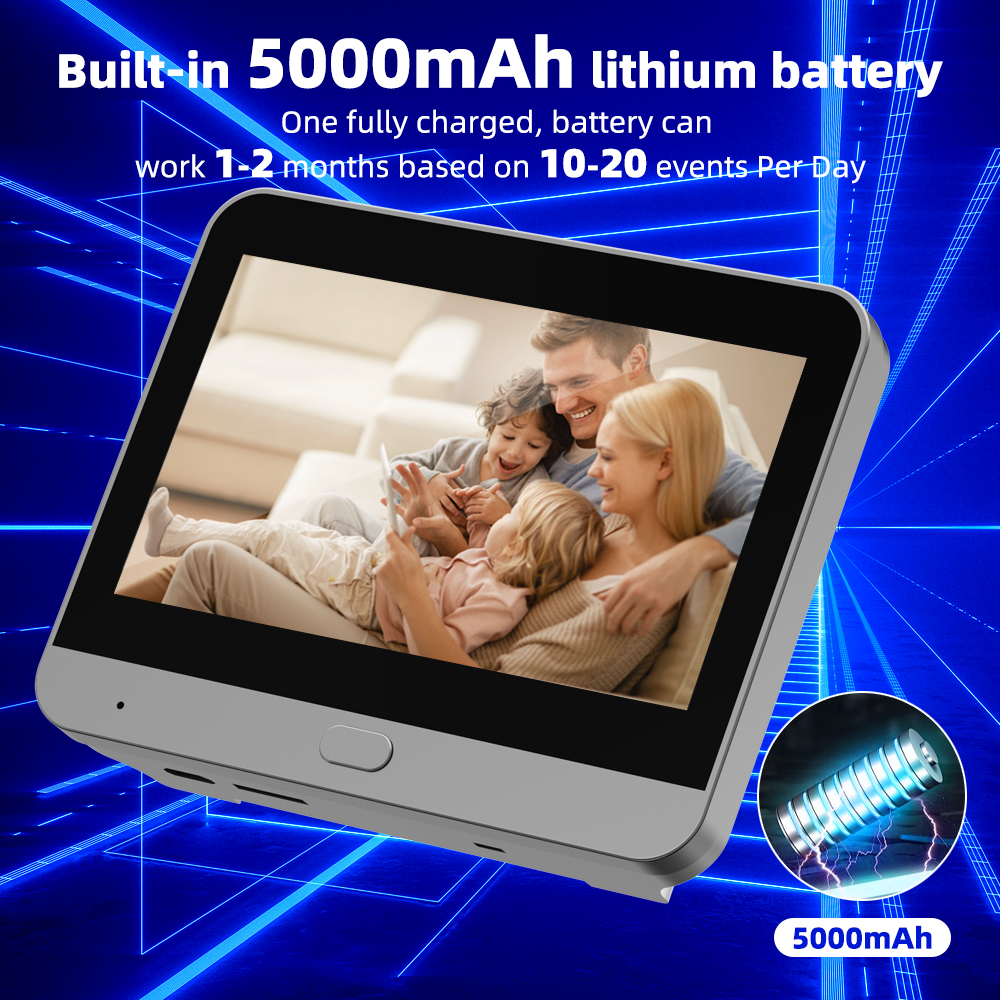
A2: It uses a built-in 5000mAh lithium battery that is easily charged via USB 5V 1A. Standby time is up to 3 months when the PIR alarm is turned off. When the PIR alarm is turned on, the battery lasts for about 600 triggers at most, with normal usage time being around 20-30 days.
Q3. I bought a TF card with the doorbell, but I did not find it.
A3: The TF card is stuck on the side of the doorbell box. Please check and find it there.
Q4. How many video recordings can a 32GB TF card store?
A4: For 15-second video recordings, it holds about 14,300 records, which can last for 715 days based on 20 records per day. It features automatic overwriting when the TF card is full, or you can format the card in the app.
Q5. How do I connect to WiFi?
A5:
1. Turn off the device first, then connect the camera to the display screen. After connecting, turn on the device to display images. (Note: Charge the device to full power first. The installation direction of the camera cable must be correct. Do not fold or pull the camera cable; if the cable is damaged, it cannot transmit images, and you will need to replace it.)
2. Open the app, register or log in, select Add Device, then Camera & Lock, and finally Smart Doorbell.
3. Turn on the device and press and hold the screen button for more than 5 seconds until you hear the network configuration voice prompt from the device.
4. Select Next on the app, enter your WiFi password to generate a network QR code, scan the code with the camera for pairing, and wait for the device voice prompt indicating successful network configuration.
(Note: The WiFi network the device connects to must be the same as your phone's WiFi. The device does not support 5G WiFi, and the dual-band integration function of the router must be disabled. Please select 2.4G WiFi.)
Attention: If network configuration fails, please confirm whether the WiFi password is correct and whether the router has disabled the dual-frequency integration function. Then follow the configuration steps to try again. If multiple attempts fail, please contact us on IzzLifeShop chat for a connection video and assistance, and we will reply within 24 hours.
Q6. What is the viewing angle of the digital viewer? Does it support night vision?
A6:
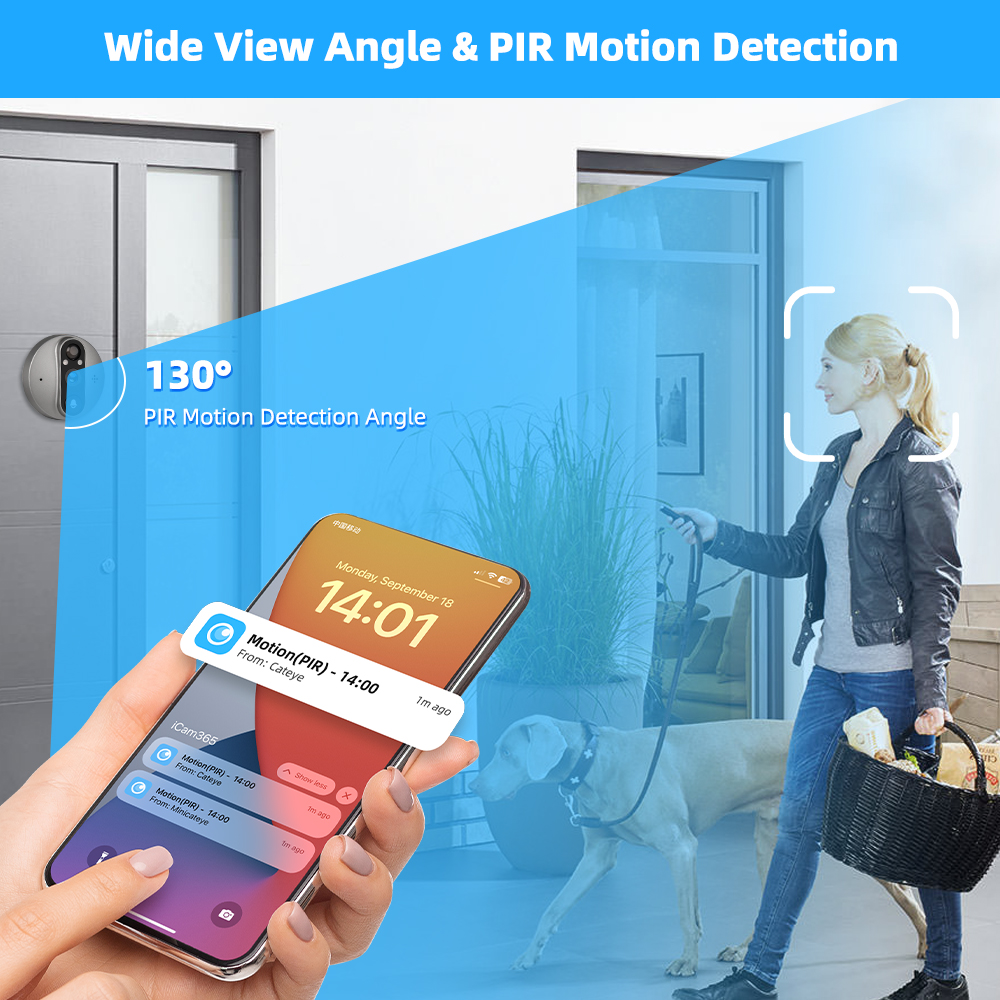
- Supports a 120° wide viewing angle.
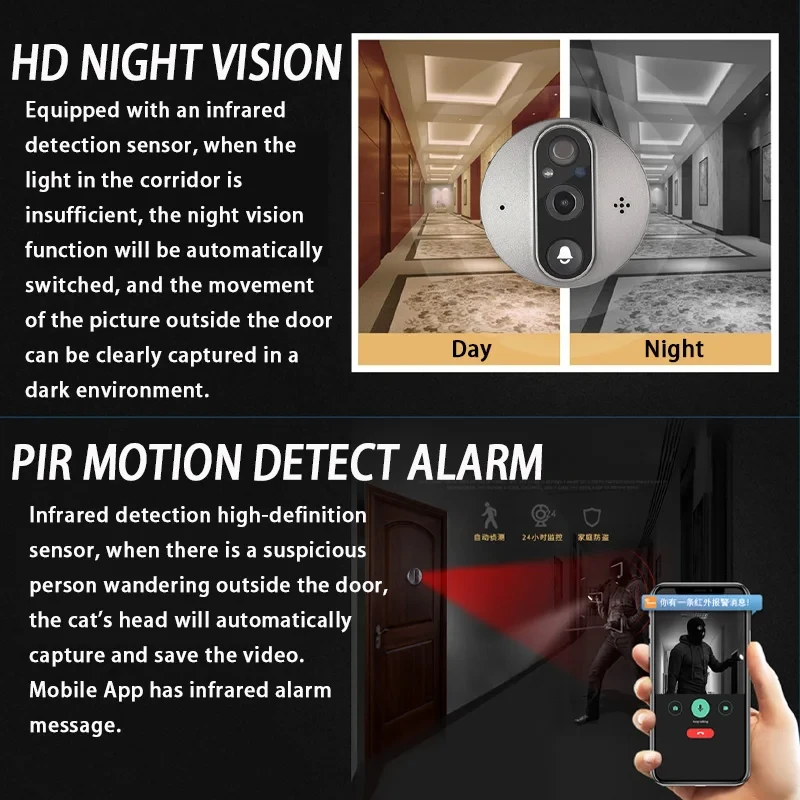
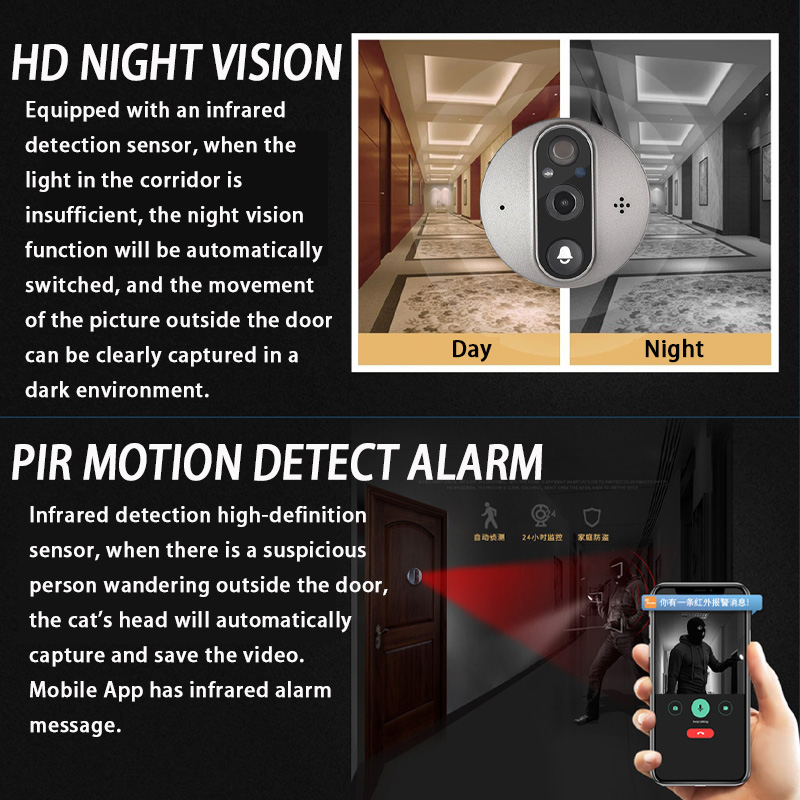
- Supports 3MP clear night vision with a distance of 5-8 meters.
Q7. How do I record images and videos?
A7: It supports motion detection recording with 30 days of free image cloud storage. Video cloud storage requires a fee. You can use TF cards to store videos instead (please choose the option with the 32GB card when ordering).
Q8. How do I adjust the doorbell volume?
A8: You can adjust the doorbell press sound down to 1% in the app so you never disturb others.
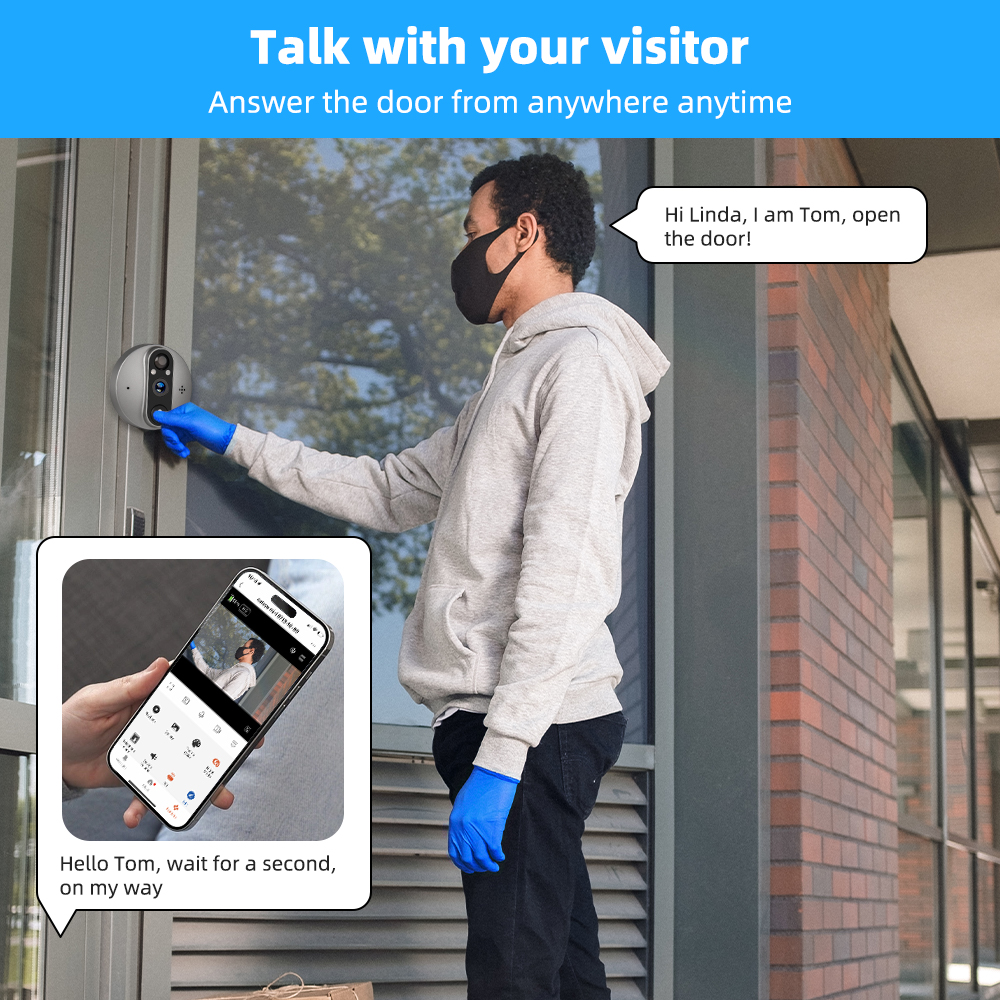
Q9. Does the display turn on automatically when the doorbell is pressed?
A9: The display will turn on automatically when someone presses the door camera, and the monitor will automatically turn off after 10 seconds.
Q10. Why is there no alarm?
A10: It only supports stay alarms. This means if a person stays at the door within 2 meters for more than 3 seconds, the door camera will capture images or save videos and push an alarm. If they stay below 3 seconds or beyond 2 meters, it will not take pictures, record videos, or trigger an alarm. There are 3 sensitivity options in the app settings:
- High sensitivity response time: 3-5 seconds
- Medium sensitivity response time: 5-8 seconds
- Low sensitivity response time: 8-15 seconds

| Specification | Details |
|---|---|
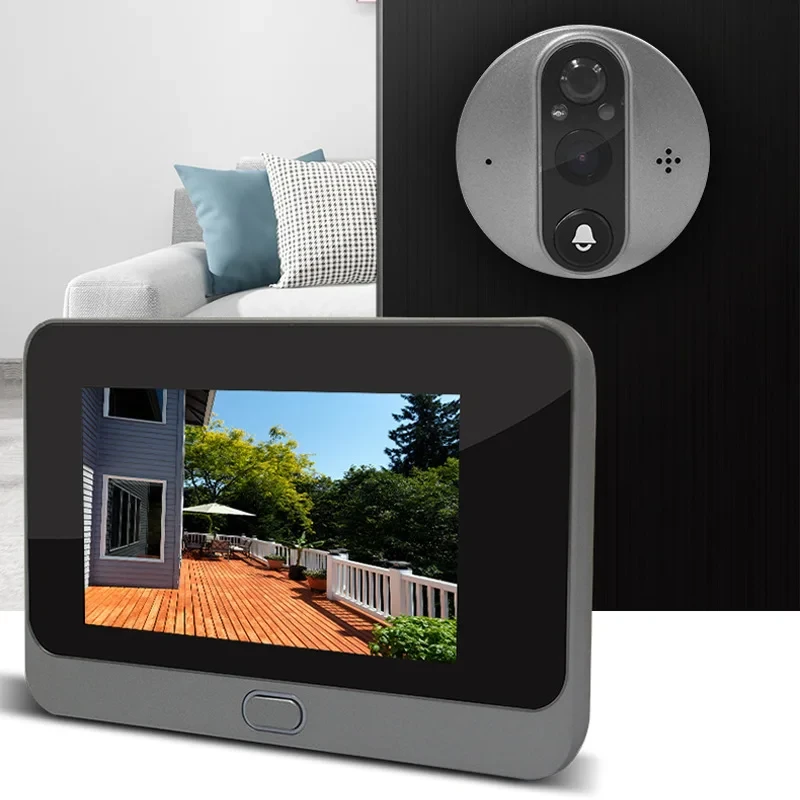
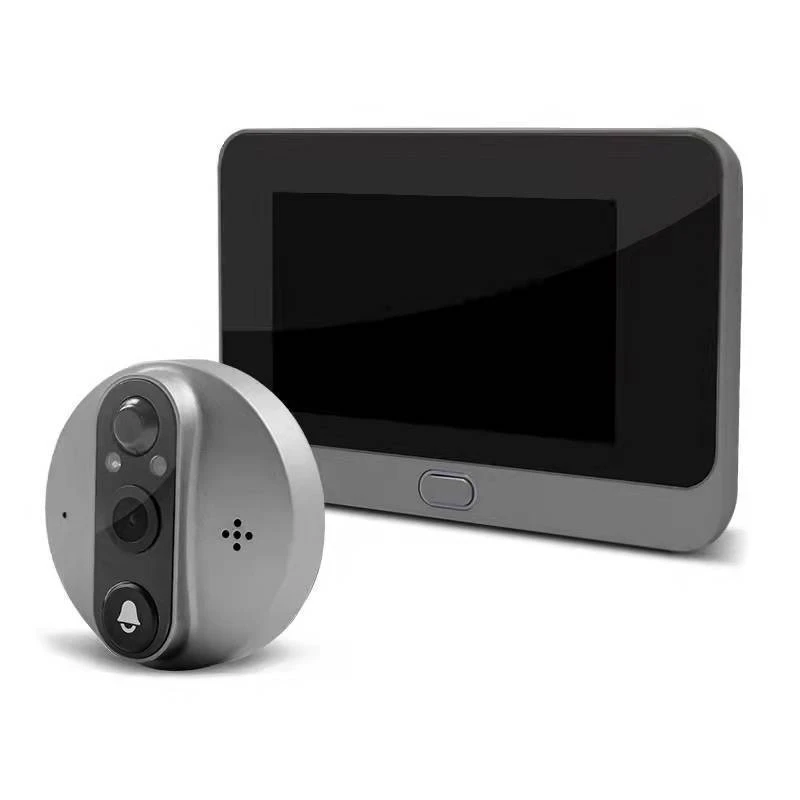
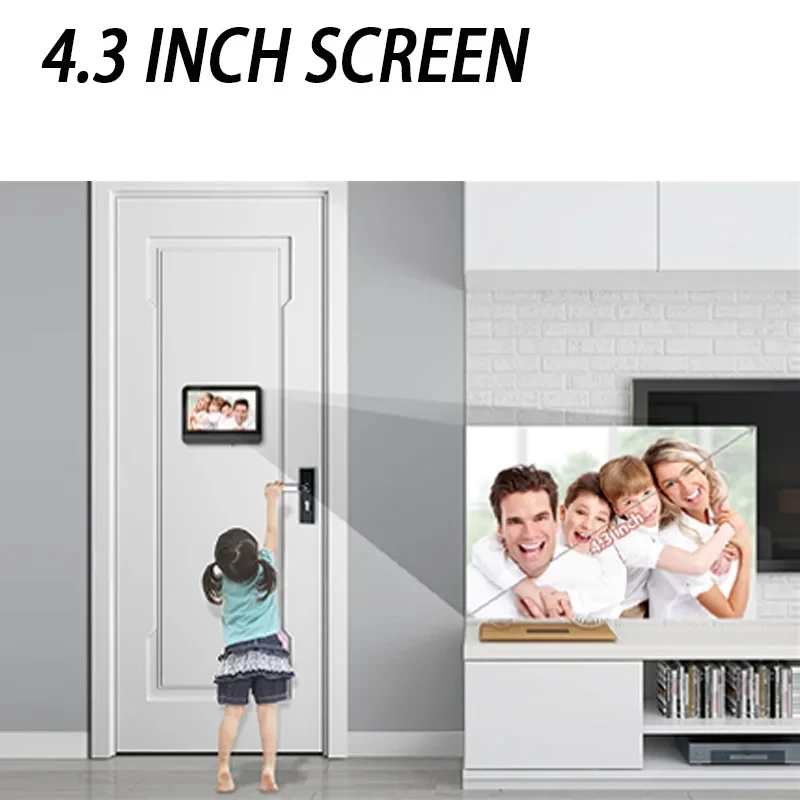
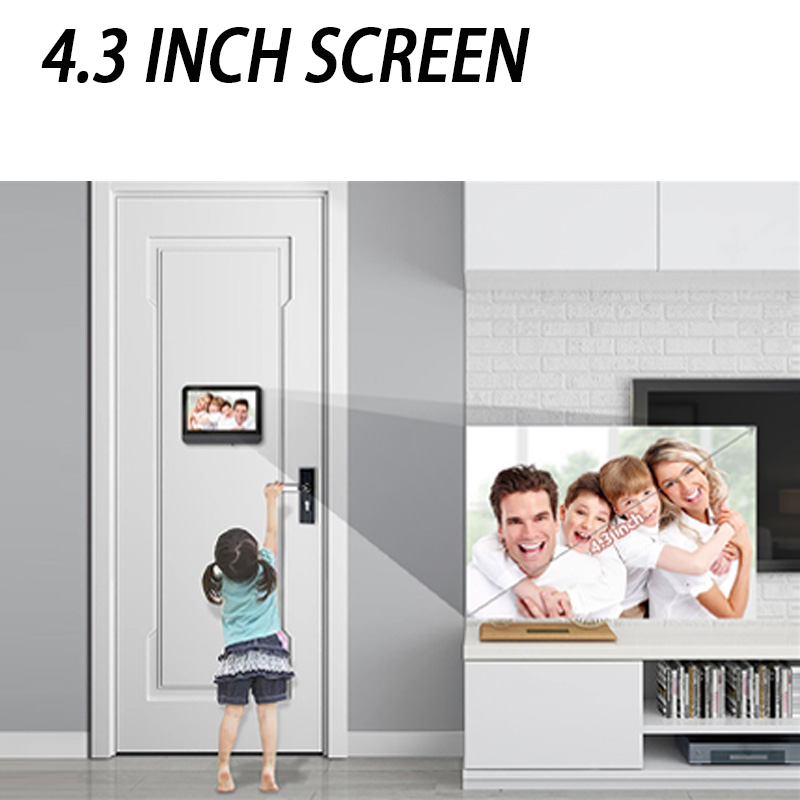
| LCD Display Size | 4.3 inch |
| Image Sensor Solution | OV9712 CMOS Sensor + Hi3518E SoC |
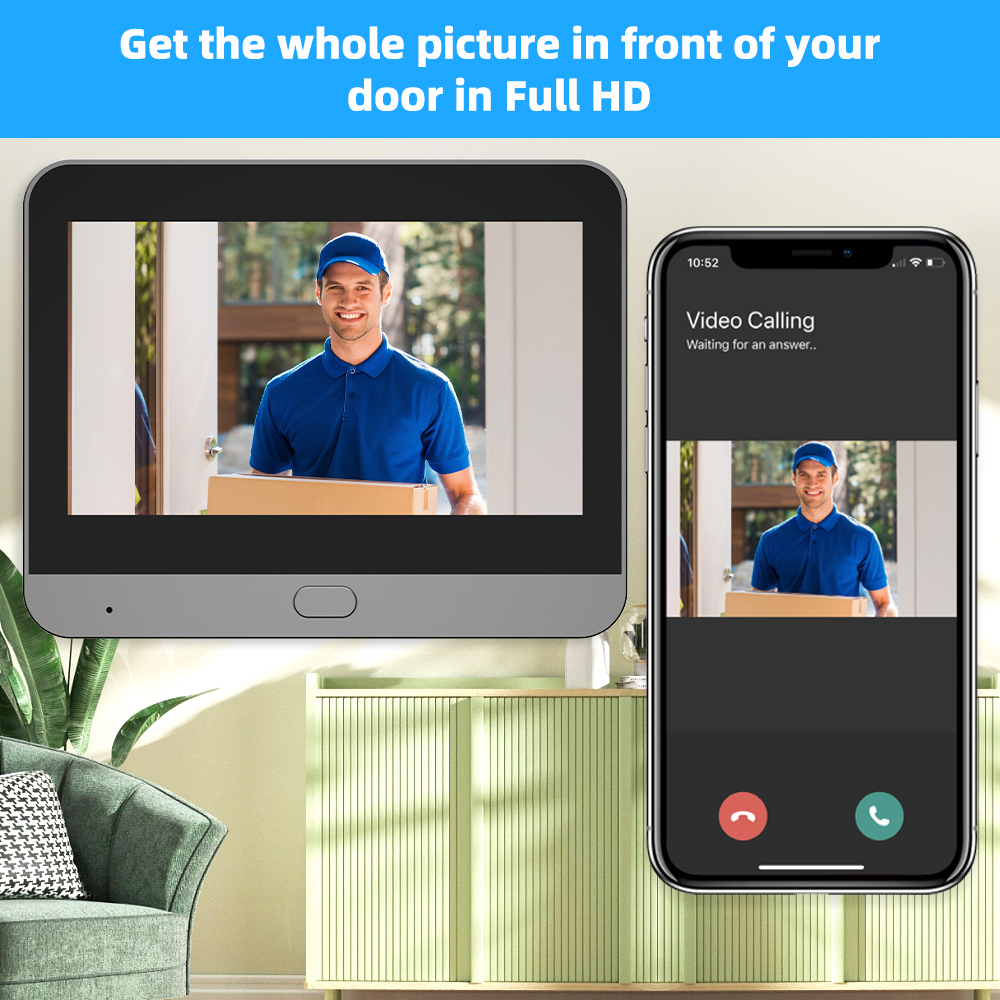
| Display Resolution | 3.0MP (2304x1296P) |
| Focal Length | 1.7mm |
| Angle of View | 120-degree wide angle |
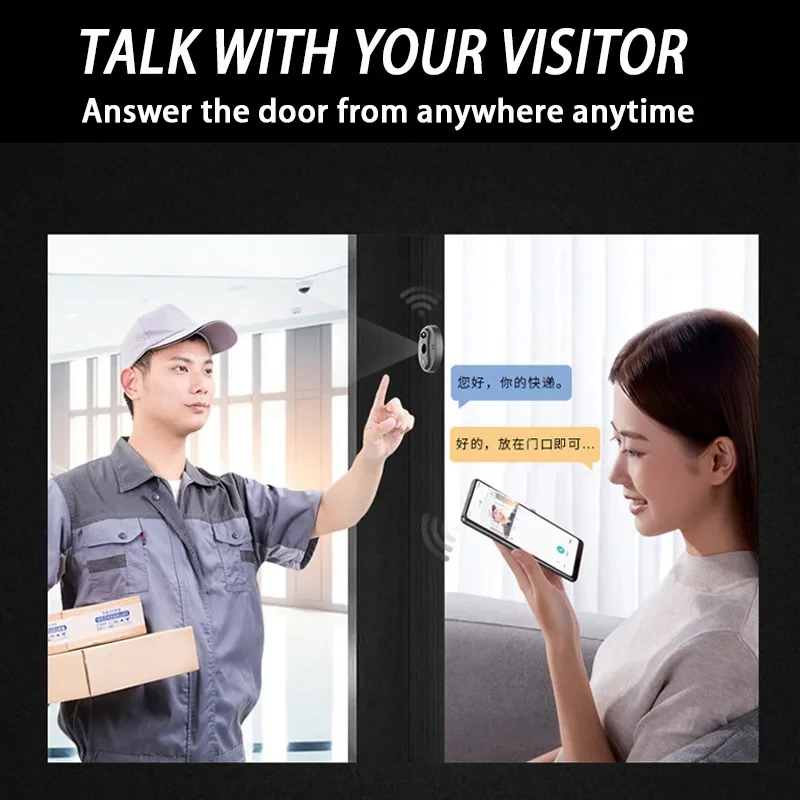
| Audio Input/Output | Built-in microphone and speaker |
| Audio Type | 2-way audio with noise cancellation |
| Video Compression | H.265 |
| Stream | Double stream |
| Night Vision | 2pcs IR-LEDs |
| Alarm | PIR Motion Detect |
| Network Protocol | P2P |
| Wireless Standard | 2.4GHz WiFi IEEE 802.11b/g/n |
| App Support | Android, iOS |
| App Name | iCam365 |
| Mobile Phone Memory | Yes |
| SD TF Card | Support Max. 128GB (please use above C10 high-speed in FAT32 format TF card for the doorbell) |
| Cloud Function | Yes |
| Power Supply | Built-in Lithium Battery and easy charged by USB |
| Charging Port | Micro USB |
| Working Mode Consumption | 380mA (IR on) |
| Standby Mode Consumption | 200uA |
| LCD Dimension | 140 x 82 x 20 mm |
| Camera Machine Dimension | 64.5 x 64.5 x 16 mm (copper) |
| Weatherproof | Yes |
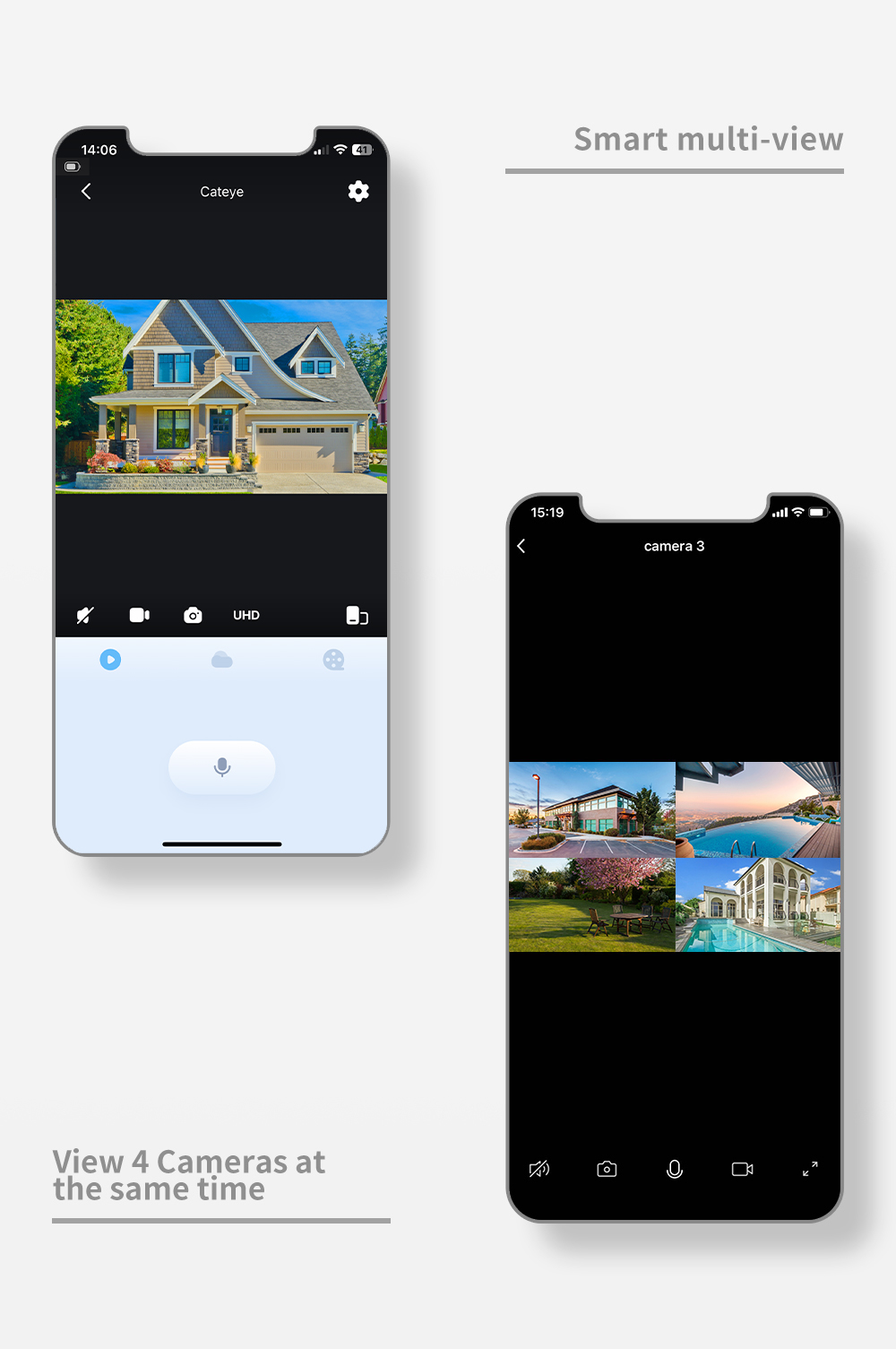
| User Accounts | Total 4 users |
| Working Temperature | -20℃ to 55℃ |
| Relative Humidity | 85% non-condensing |

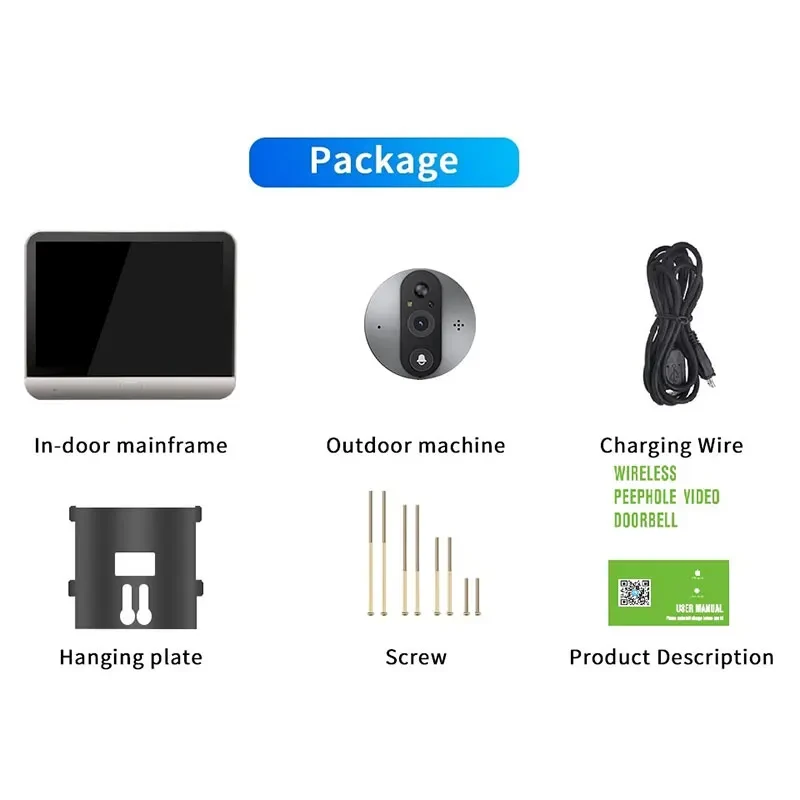
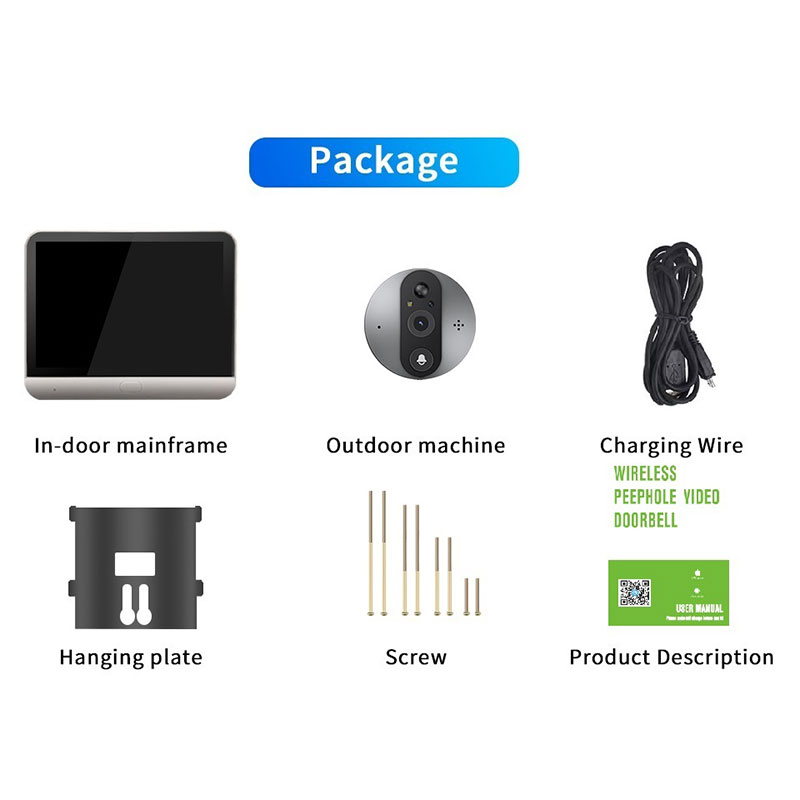
- 1x WiFi Peephole Viewer (indoor)
- 1x Doorbell (outdoor)
- 1x Micro USB Cable
- 1x Mounting Plate
- 1x Screw Kit
- 1x User Manual
Notice: TF card is optional! (Please use an above C10 high-speed FAT32 format TF card for the doorbell.)

Related Products



🆕 Check Out Our Newest Arrivals – Fresh & Trending!
🛍️ Exclusive & Exquisite – Shop High-End Picks
Trending Categories